

49ers Project Request
Please use the links below for all creative, digital and photography requests.
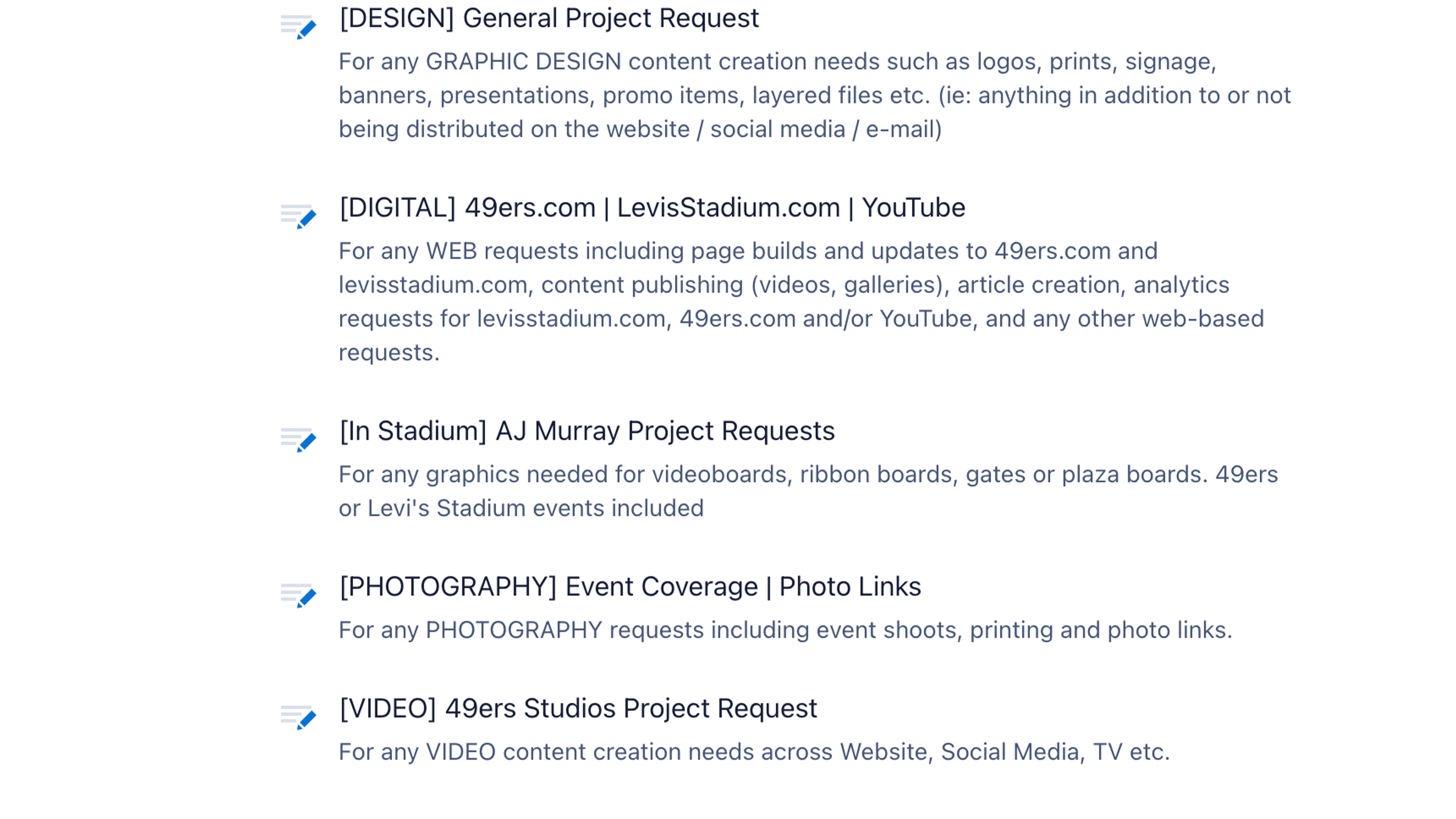
All creative content needs (graphic designs, videos, motion graphics, stadium graphics, web, social and YouTube) are processed through Wrike.
All digital (app, email) and photography needs are processed through Formstack.
Please ensure you fill out the correct form(s) to ensure you receive the support you need.
Wrike
For creative requests for 49ers studios and design, including graphic designs, videos, motion graphics and stadium graphics.
For web requests on 49ers.com, Levi's Stadium and Youtube.
To submit a request through Wrike, log in to your account and access the collaborator panel. If you do not have an account, contact IT. Once logged in, click the green plus button on the top left to submit a creative request.
Pro Tips and FAQs
Pro Tips
- Provide as much detail as possible, including examples and screenshots.
- Save 49ers.com/projectrequest to your bookmarks.
- Please make sure you submit your request in advance to try to avoid a fast turnaround time.
- ALL copy( titles and sub-copy for videos and galleries) and images must be provided to begin the project request.
- ALL thumbnail graphics/images for 49ers.com and levisstadium.com must be sized to 16x9.
FAQs
How do I log in to Wrike?
IT will create you an account to submit requests and track project progress.
How is the approval list used in the Wrike request form?
The approval list is used to determine who needs to see proof and be given access to review. Please include all necessary emails of approvers.
If you want to stagger who sees reviews and when feel free to make that note in the request form initially or write a comment on Wrike after submitting your form.
I submitted my Wrike request form but have to make a change - how can I do that?
While you can't edit the Wrike form after submitting it, you can make a comment that will be immediately visible so they can amend the form. Simply @mention the name of the person working on your project and then write in your comment.